

- India,
- 27-Oct-2022 08:00 AM IST


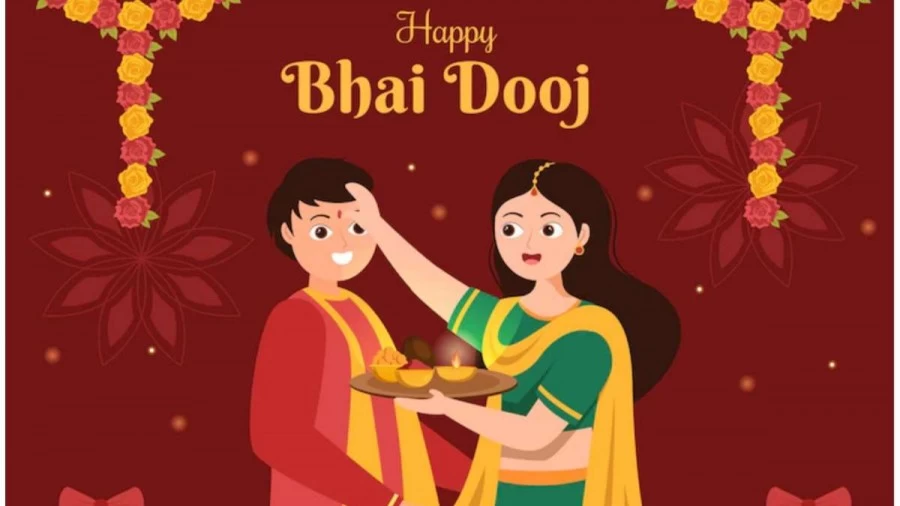
Bhai Dooj 2022: Those who are living away from their siblings and will not be able to complete this Bhai Dooj, they can send their best wishes through WhatsApp, Facebook, Instagram or other social media apps. The app also offers some great stickers. Among all messaging apps, WhatsApp is the most widely used messaging platform for sending instant messages, wishes and greetings. Here, you can send best wishes in the form of nice and interesting stickers and GIFs. If you are wondering from where to download these Happy Bhai Dooj stickers and how to send them on WhatsApp, then here we will tell you the complete process. See below how to send Happy Bhai Dooj WhatsApp stickers.
Where to get Happy Bhai Dooj Stickers or GIFs?
You can find GIFs under the Emoticons tab in the chat itself and search for GIFs to send to your siblings. However, to get stickers, you have to download sticker packs from Google Play Store. Just go to Google Play Store and search for 'Bhai Dooj Stickers'. Install one of the many apps that pop up and add the sticker pack to your WhatsApp application. Follow the steps given below to download.
How to send Happy Bhai Dooj Stickers on WhatsApp?
Step 1: Open a WhatsApp chat to whom you want to send stickers.
Step 2: Click on the smiley icon available on the chat box.
Step 3: Now, tap on the sticker icon next to the GIF icon and click on the '+' sign inside the sticker panel.
Step 4: Scroll down and click on 'Get More Stickers' option.
Step 5: You will be redirected to Google Play Store with the search term WAStickerApps.
Step 6: Now, search Happy Bhai Dooj and download the stickers.
Step 7: Add this to WhatsApp and you will see all the stickers in the pack under My Stickers tab of WhatsApp.
Step 8: Select and send wish to your siblings through stickers.
If you wish, you can remove the third-party app from your phone later to get rid of Bhai Dooj sticker gallery.
