
- India,
- 19-Sep-2026 05:22 PM IST



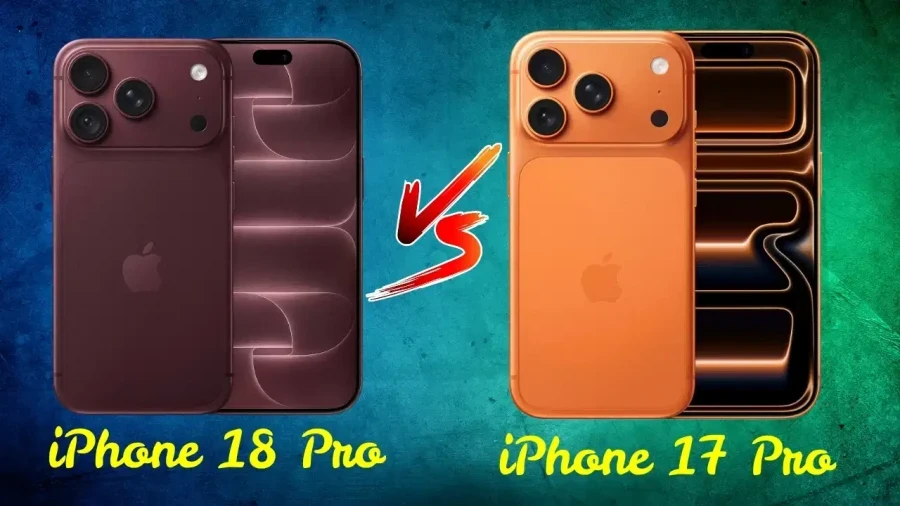
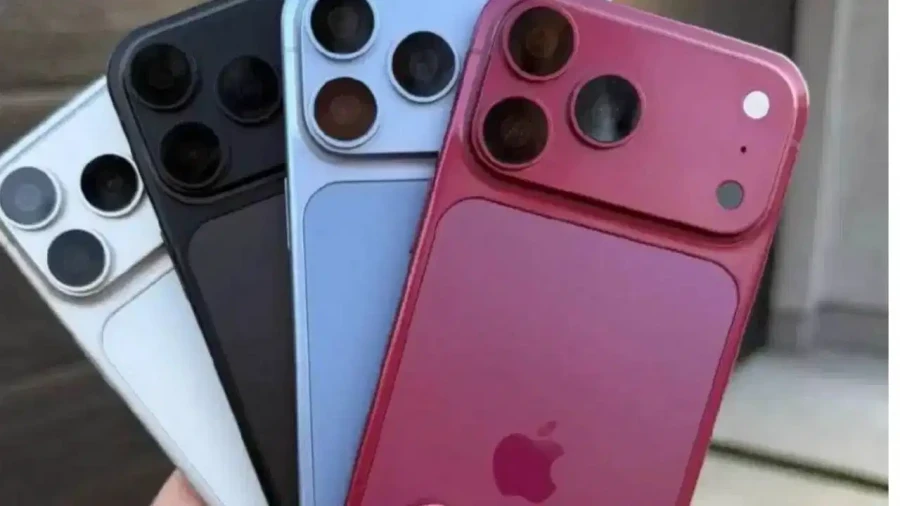
The sale of Apple's latest flagship devices, the iPhone 18 Pro and iPhone 18 Pro Max, has officially commenced in India. As consumers rush to get their hands on these premium smartphones, a critical task awaits every buyer immediately after purchase. It's essential to verify whether the iPhone in your hand is a genuine Apple product or a sophisticated counterfeit. Given the high price point of these devices, falling victim to a fake or incorrect model can result in significant financial loss. Counterfeit iPhones often mimic the original design so closely that it becomes difficult to distinguish them at first glance. Because of this, relying solely on the Apple logo, the box, or the external design isn't enough. To ensure authenticity, one must dive into into the phone's settings, software, camera capabilities, Siri functionality, and unique identification numbers like the Serial Number and IMEI.
Verify Device Details in Settings
The most reliable way to start your investigation is by checking the internal information of the device, while once you turn on the phone, navigate to the Settings menu. From there, go to General and then tap on About. This section provides a comprehensive overview of the device's identity. You should be able to see the Model Name, Model Number, Serial Number, IMEI, iOS Version, and Storage capacity. If the operating system looks different or if the interface feels unusual for an iPhone, you should be extremely cautious, while a strange interface is a major indicator that the device might be running a modified version of another operating system instead of the official Apple iOS.
Examine Packaging and Physical Branding
When purchasing a new iPhone 18 Pro or 18 Pro Max, pay close attention to the box and its packaging. Inspect the quality of the printing, the Apple branding, and the overall finish of the box. If you notice blurred text, spelling errors, or a poor finish on the packaging, it's a clear red flag. While a well-made box doesn't guarantee a genuine phone, a poorly made one is a certain sign of a fake. Always cross-reference the information printed on the box with the details found inside the phone's settings, while however, remember that the real test begins only after the phone is powered on.
Software and App Ecosystem Check
A genuine iPhone must run on Apple's proprietary iOS operating system. To verify this, open various pre-installed Apple applications such as the App Store, Safari, FaceTime, and the Settings app itself. Observe if they function correctly and look as they should, while some counterfeit iPhones are designed to look like an iPhone on the outside but actually run on the Android operating system. If you encounter the Google Play Store or any features typically associated with Android devices, it's a definitive sign that the phone isn't a genuine Apple product.
Testing Siri and Voice Assistance
Siri is Apple's exclusive voice assistant and serves as a great tool for authentication. Activate Siri and ask a few general questions to see how it responds. If the voice assistant functions normally and provides accurate responses, it's a good sign. However, if a different assistant opens up or if the feature fails to work as expected, you should be wary of the device's authenticity.
Matching Serial Number and IMEI
Every iPhone has a unique Serial Number and IMEI. You can find these by going to Settings, then General, and then About. If you've the original box, compare the numbers displayed on the screen with the numbers printed on the packaging. If there is a discrepancy between the numbers on the box and the numbers in the phone's settings, you must ask the seller for a clear explanation before proceeding with the purchase. These numbers are vital for identifying the specific device and its history.
Comprehensive Camera Evaluation
Simply opening the camera app isn't sufficient to prove a phone is genuine, while you must actively use the camera to test its quality. Take several photos, record videos, and try out different camera modes. Pay attention to the focus speed, the clarity of the images, and the stability of the video recording. If the device features multiple camera lenses, ensure that each one is functional. In some fake or poorly repaired units, the external camera setup might look correct, but the actual performance and the functionality of all lenses may be lacking.
Precautions for Second-Hand Purchases
If you're considering the purchase of a pre-owned or second-hand iPhone, there are additional steps to take. It's vital to check the Parts and Service History of the device, while this feature can reveal whether any components have been replaced and if those parts were genuine Apple parts. Ultimately, when buying an iPhone, don't trust appearances alone. A thorough check of the settings, software, and essential identification details is mandatory to ensure you're getting a genuine product.